Best SD Cards for Cameras: Speed, Reliability, and Value
Not all SD cards are equal. We test the fastest and most reliable SD and microSD cards for photography and video recording.
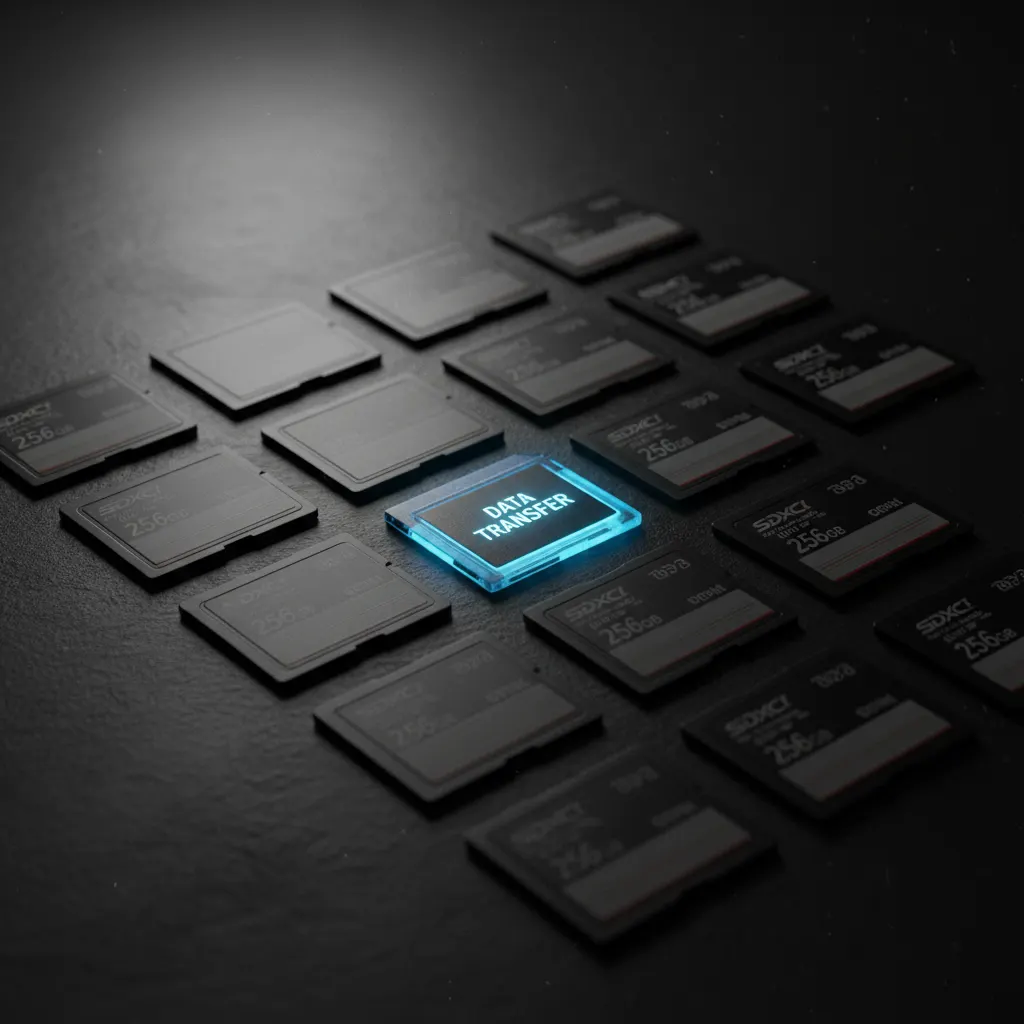
Your memory card is the one piece of gear that stores everything you shoot. A slow or unreliable card can cause dropped frames in video, missed shots during burst photography, and — worst case — total data loss.
Here’s what you need to know to choose the right card for your camera.
Understanding SD Card Specifications
The numbers on an SD card can be confusing. Here’s what they actually mean:
Speed Classes
- UHS-I — up to 104 MB/s bus speed (fine for most photography)
- UHS-II — up to 312 MB/s bus speed (required for 4K video and fast burst)
- UHS-III — up to 624 MB/s bus speed (future-proofing)
Video Speed Classes
- V30 — minimum 30 MB/s sustained write (enough for 4K 30fps)
- V60 — minimum 60 MB/s sustained write (4K 60fps, some 6K)
- V90 — minimum 90 MB/s sustained write (8K, high-bitrate 4K) — essential if you’re using one of the best cameras for video content creation
Application Performance Classes
- A1 — faster random read/write for app use
- A2 — even faster random performance
For cameras, focus on the sequential write speed and video speed class. Those determine real-world performance.
Our Top Picks
Best Overall: SanDisk Extreme PRO UHS-II
The industry standard for professional photography. Reliable, fast, and widely available.
- Read speed: up to 300 MB/s
- Write speed: up to 260 MB/s
- Video class: V90
- Available in 64GB, 128GB, 256GB, 512GB
Best Value: Samsung EVO Select
Excellent performance at a budget price. Perfect for beginners and casual photographers.
- Read speed: up to 160 MB/s
- Write speed: up to 120 MB/s
- Video class: V30
- Available in 64GB to 512GB
Best for Video: Sony TOUGH-G UHS-II
Built for demanding video workflows. The “TOUGH” series is virtually indestructible.
- Read speed: up to 300 MB/s
- Write speed: up to 299 MB/s
- Video class: V90
- IP68 waterproof, bend-proof, drop-proof
Best for Action Cameras: SanDisk Extreme microSD
Optimized for GoPro and DJI devices. Small form factor with big performance.
- Read speed: up to 200 MB/s
- Write speed: up to 90 MB/s
- Video class: V30
- A2 rated for app performance
How Much Storage Do You Need?
Here’s a rough guide based on file sizes:
| Camera | File Type | 64GB | 128GB | 256GB |
|---|---|---|---|---|
| 24MP camera | JPEG Fine | ~4,800 | ~9,600 | ~19,200 |
| 24MP camera | RAW | ~1,400 | ~2,800 | ~5,600 |
| 40MP camera | RAW | ~850 | ~1,700 | ~3,400 |
| 4K 30fps video | H.264 | ~2.5 hrs | ~5 hrs | ~10 hrs |
| 4K 60fps video | H.265 | ~1.5 hrs | ~3 hrs | ~6 hrs |
For most photographers, 128GB is the sweet spot — enough for a full day of shooting without being so large that you lose everything if a card fails.
Tips for Memory Card Care
- Always format in-camera — don’t format on your computer
- Use the safe eject function before removing from a card reader
- Don’t fill cards to 100% — leave 10-15% free for buffer performance
- Replace cards every 3-5 years — flash memory has limited write cycles
- Store in a protective case — keep contacts clean and protected from static
- Never remove a card while the camera is writing — this corrupts data
CFexpress vs SD: Do You Need to Upgrade?
Many newer cameras support CFexpress Type A or B cards. These offer dramatically faster speeds:
- CFexpress Type A — up to 800 MB/s read (Sony cameras)
- CFexpress Type B — up to 1,700 MB/s read (Canon, Nikon flagships)
You need CFexpress if:
- You shoot RAW burst at 20+ fps
- You record 8K or high-bitrate 4K internally
- You want the fastest possible card-to-computer transfer
You don’t need CFexpress if:
- You shoot casually or at moderate burst speeds
- Your camera also has an SD slot
- Budget is a concern (CFexpress cards cost 2-3x more per GB)
Our Verdict
For most photographers, the SanDisk Extreme PRO UHS-II is the best choice. It’s fast enough for any camera on the market, reliable, and priced competitively.
If you’re on a budget, the Samsung EVO Select delivers excellent value. And if you need absolute tank-like reliability for professional work, the Sony TOUGH-G series is worth the premium.
Don’t cheap out on memory cards. Your photos are only as safe as the card they’re stored on. And don’t forget to keep your camera’s software current — firmware updates can improve card compatibility and write performance.
You might also like
Best Tripods for Photography: From Budget to Pro
A solid tripod transforms your photography. We review the best tripods for landscapes, travel, video, and studio work at every price point.
Best Camera Bags for Travel Photography in 2026
Protect your gear on the go. We review the best camera backpacks, slings, and shoulder bags for travel photographers.
Best Camera Lenses for Portrait Photography
The right lens transforms your portraits. We review the best portrait lenses for Sony, Canon, Nikon, and Fujifilm systems at every budget.