How to Protect Your Photos From Cyber Threats
Your photo library is a valuable target for hackers. Learn how to secure your images with backups, encryption, and smart digital hygiene.
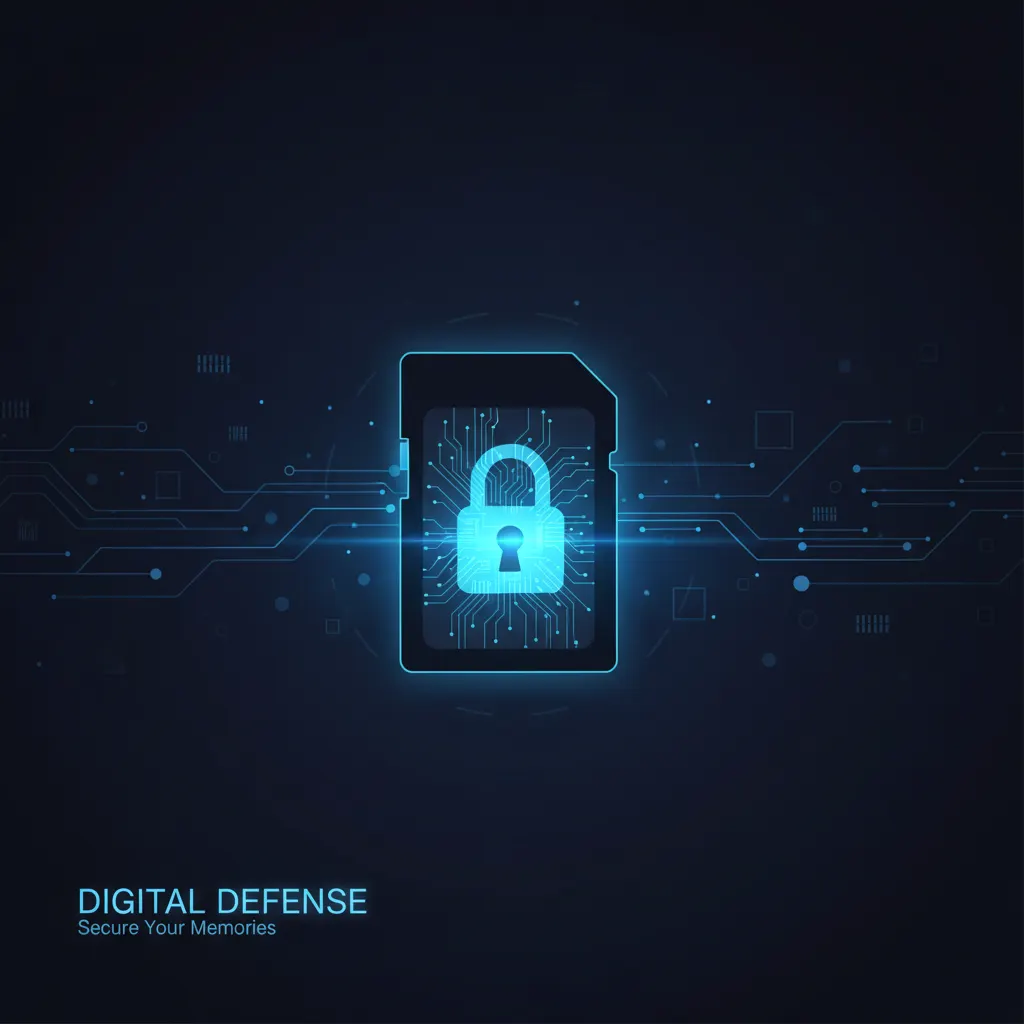
Your photo collection is more valuable than you might think. Beyond sentimental worth, photos contain metadata — GPS coordinates, timestamps, device information — that cybercriminals can exploit. Whether you’re a professional photographer with client images or a hobbyist with years of family memories, protecting your digital photos deserves serious attention.
Why Photographers Are Targets
Photographers face unique cybersecurity risks:
- Ransomware can encrypt your entire photo library, demanding payment for access
- Cloud account breaches expose private images and client work
- Memory card theft at events gives access to raw, unedited images — choosing a reliable SD card with encryption support can mitigate this risk
- Metadata harvesting reveals your location habits and equipment details
- Client data exposure can lead to legal liability for professional shooters
A single breach can destroy years of work. The good news? A few simple habits dramatically reduce your risk.
1. Use the 3-2-1 Backup Strategy
The golden rule of data protection: keep 3 copies of your files, on 2 different media types, with 1 copy stored offsite.
For photographers, this looks like:
- Copy 1: Your working drive (internal SSD or external HDD)
- Copy 2: A dedicated backup drive (ideally in a different room)
- Copy 3: Cloud backup or a drive stored at a different location
Automate your backups so they happen without thinking about it. Software like FreeFileSync, Chronosync, or built-in OS backup tools make this painless.
2. Encrypt Your Storage
If someone steals your hard drive or memory card, encryption ensures they can’t access the files. Use:
- BitLocker (Windows) or FileVault (macOS) for full-disk encryption
- VeraCrypt for portable encrypted volumes
- Encrypted cloud storage services that use zero-knowledge encryption
If you handle sensitive client work — corporate events, private portraits, legal documentation — encryption isn’t optional. It’s a professional responsibility.
3. Secure Your Cloud Accounts
Most photographers use cloud storage for sharing and backup. Secure it properly:
- Enable two-factor authentication (2FA) on every cloud account
- Use a password manager to generate unique, strong passwords
- Review sharing permissions regularly — don’t leave old links active
- Check for account breach notifications on services like HaveIBeenPwned
If you’re managing accounts for both personal and professional use, it’s wise to consult with a cybersecurity specialist who can audit your setup and flag vulnerabilities you might miss.
4. Strip Metadata Before Sharing
Every photo your camera takes embeds EXIF data: GPS location, camera model, lens, shutter speed, and more. This is useful for organizing your work, but risky when sharing publicly.
Before uploading to social media or sending to clients:
- Use ExifTool or ImageOptim to strip sensitive metadata
- Most social platforms strip GPS data automatically, but not all
- Keep original files with full metadata in your secure archive
5. Protect Your Camera Equipment
Physical security matters too:
- Register your gear with the manufacturer for warranty and theft recovery
- Note serial numbers and keep them in a secure digital location
- Use tracking tags (AirTag, Tile) in your camera bag
- At events, never leave equipment unattended
6. Secure Your Wi-Fi Transfers
Many modern cameras offer Wi-Fi and Bluetooth connectivity. While convenient, these create attack surfaces:
- Disable Wi-Fi and Bluetooth on your camera when not actively transferring — and keep your camera’s software up to date, since firmware updates often patch security vulnerabilities
- Use your camera’s dedicated app rather than open file sharing
- Avoid transferring photos over public Wi-Fi networks
- If you must use public Wi-Fi, connect through a VPN
7. Plan for the Worst
Even with perfect security, things can go wrong. Have a plan:
- Test your backups regularly — a backup you can’t restore is useless
- Know how to wipe a stolen device remotely
- Have a communication plan for client data breaches
- Consider cyber insurance if photography is your business
Final Thoughts
Digital security isn’t glamorous, but it’s essential. A photographer who loses their entire portfolio to ransomware or a cloud breach faces a devastating setback.
Start with the basics: strong passwords, 2FA, and the 3-2-1 backup rule. Then build from there. Your future self — and your clients — will thank you.
You might also like

Camera Firmware Updates: Why They Matter and How to Install Them
Firmware updates can add features, fix bugs, and improve your camera's performance for free. Here's why you should keep your camera up to date.
Canon EOS R6 Mark III Review: A Worthy Upgrade?
Canon's latest all-rounder gets a new sensor, improved AF, and better video specs. We test whether the R6 III justifies the upgrade from the R6 II.
Best Action Cameras in 2026: GoPro, DJI, and Insta360 Compared
Capture adventure in stunning quality. We review and compare the best action cameras for sports, travel, diving, and everyday vlogging.