Camera Firmware Updates: Why They Matter and How to Install Them
Firmware updates can add features, fix bugs, and improve your camera's performance for free. Here's why you should keep your camera up to date.

Your camera is a computer with a lens attached. Like any computer, its software needs regular updates. Firmware updates from camera manufacturers can add new features, fix bugs, improve autofocus accuracy, and patch security vulnerabilities — all for free.
Yet many photographers never update their cameras. Here’s why you should, and how to do it safely.
What Is Firmware?
Firmware is the embedded software that controls your camera’s operation. It manages everything from autofocus algorithms and menu systems to image processing pipelines and communication protocols.
When a manufacturer releases a firmware update, they’re essentially upgrading your camera’s brain.
Why Firmware Updates Matter
New Features
Manufacturers frequently add features that weren’t available at launch:
- Sony has added new autofocus subjects (birds, insects, trains) via firmware
- Fujifilm added film simulation modes to older cameras
- Canon improved RF lens compatibility and AF tracking
- Nikon added pixel-shift shooting and pre-release capture
These updates can transform your camera’s capabilities without spending a cent.
Bug Fixes
No camera ships perfect. Firmware updates address issues like:
- Autofocus inconsistencies in specific conditions
- Image processing artifacts
- Battery drain bugs
- Connectivity issues with apps and accessories
- Memory card compatibility problems
Performance Improvements
Updates often optimize existing features:
- Faster autofocus acquisition speed
- Improved eye-detection accuracy
- Better high-ISO noise processing
- Smoother video recording
- Faster startup times
Security Patches
This is increasingly important. Modern cameras have Wi-Fi, Bluetooth, and sometimes GPS. These communication protocols can have vulnerabilities:
- In 2019, researchers demonstrated a ransomware attack that could encrypt photos on a Canon DSLR via its Wi-Fi connection
- Bluetooth vulnerabilities could allow unauthorized access to image data
- Unpatched firmware may expose your camera to known exploits
Just as you update your phone and computer, your camera’s firmware should be current. For photographers who handle sensitive client images — corporate events, legal documentation, private portraits — keeping firmware updated is part of maintaining a secure workflow.
How to Update Your Camera Firmware
Step 1: Check Your Current Version
Go to your camera’s menu → Setup → Firmware Version. Note the current version number.
Step 2: Check for Updates
Visit your manufacturer’s support page:
- Sony: sony.com/support
- Canon: canon.com/support
- Nikon: nikon.com/support
- Fujifilm: fujifilm-x.com/support
- Panasonic: panasonic.com/support
- OM System: om-digitalsolutions.com
Compare the latest available version with your current version.
Step 3: Download and Prepare
- Download the firmware file to your computer
- Format a memory card in your camera
- Copy the firmware file to the root directory of the memory card — use a reliable card from our list of the best SD cards for cameras to avoid transfer errors
- Ensure your camera battery is fully charged (some cameras require above 50%)
Step 4: Install
- Insert the memory card into your camera
- Go to Setup → Firmware Update
- Follow the on-screen instructions
- Do not turn off the camera during the update — this can brick the device
- The camera will restart when complete
Step 5: Verify
Check the firmware version again to confirm the update was applied. Some updates reset certain custom settings, so review your configurations.
Don’t Forget Your Lenses
Many modern lenses have their own firmware, especially lenses with built-in image stabilization, autofocus motors, or electronic aperture control.
- Sony lenses update through the camera body
- Canon RF lenses update through the camera body
- Sigma and Tamron lenses can update via their USB docks
- Nikon Z lenses update through the camera body
Lens firmware updates can improve AF speed, stabilization effectiveness, and optical corrections.
How Often to Check
We recommend checking for firmware updates every 2-3 months or whenever your manufacturer announces a major update. Sign up for email notifications from your camera brand to stay informed.
Our Verdict
Firmware updates are free performance upgrades. There’s no reason not to install them. Keep your camera current, and you’ll benefit from better autofocus, new features, and a more secure device.
Set a reminder to check every quarter. Your camera will thank you. And while you’re performing maintenance, consider giving your sensor a clean as well — our guide on how to clean your camera sensor covers the process safely step by step.
You might also like

How to Protect Your Photos From Cyber Threats
Your photo library is a valuable target for hackers. Learn how to secure your images with backups, encryption, and smart digital hygiene.
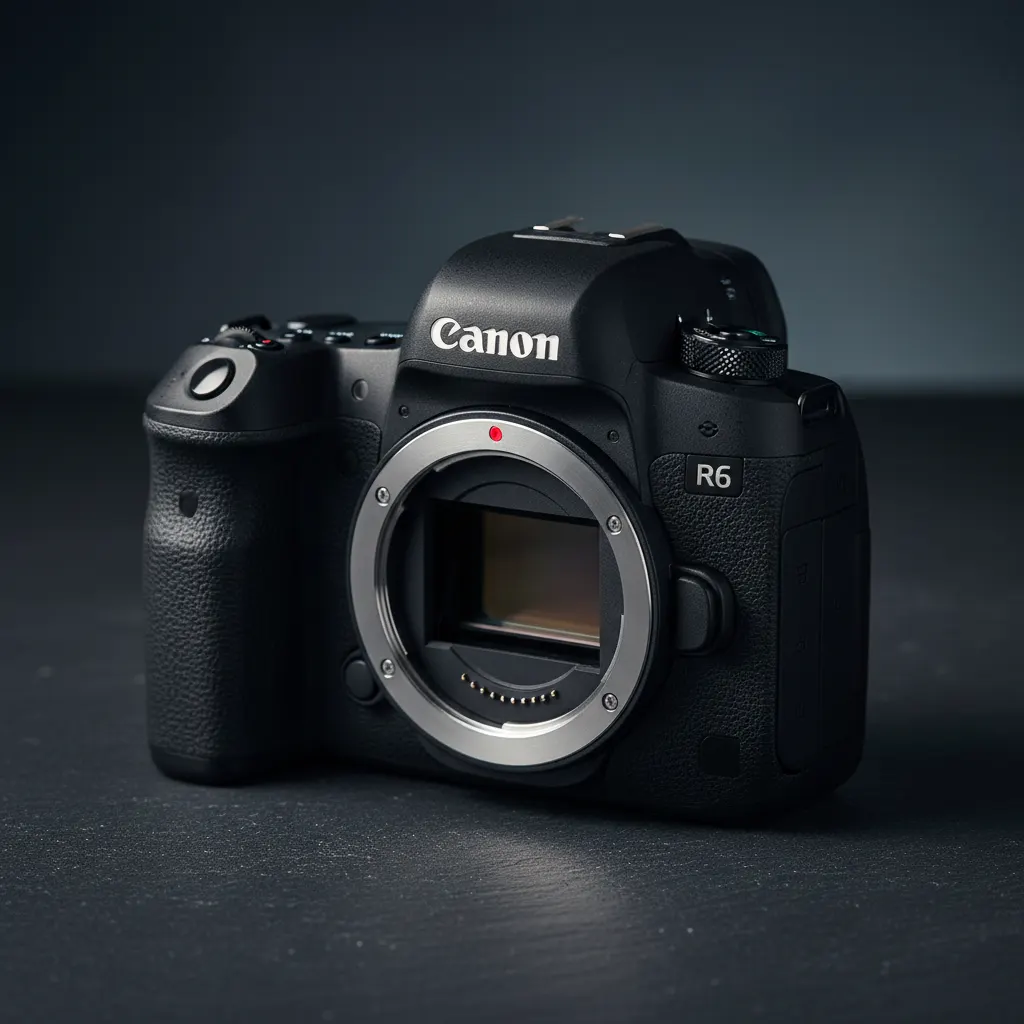
Canon EOS R6 Mark III Review: A Worthy Upgrade?
Canon's latest all-rounder gets a new sensor, improved AF, and better video specs. We test whether the R6 III justifies the upgrade from the R6 II.

Best Action Cameras in 2026: GoPro, DJI, and Insta360 Compared
Capture adventure in stunning quality. We review and compare the best action cameras for sports, travel, diving, and everyday vlogging.